Operations
How to stop double bookings across Airbnb,
Booking.com and Vrbo
Listing on more than one site is the quickest way to fill your calendar — and the quickest way to get two families at the same door. Here is how to keep the first without the second.
A double booking almost always happens in the gap between two calendars. One site takes a booking, and before the other site hears about it, someone books the same nights there too. The fix is not more checking; it is fewer calendars.
Most hosts who list on several sites have had a near miss: two enquiries for the same weekend, one on each site, and a nervous few minutes working out which came first. It is stressful for you and upsetting for the guest who loses out.
Why it happens
It helps to understand where double bookings come from, because once you see the gaps, they are easy to close.
- Calendars that don’t talkEach site keeps its own calendar. If nothing connects them, you are the connection.
- Slow calendar linksiCal links are read on each site’s own schedule, so there is always a short window.
- Manual bookingsA phone booking or a friend’s stay that never makes it onto every calendar.
- Two systems at onceTwo tools both pushing availability for the same listing can overwrite each other.
The setup that works
The good news is that the fix is the same for almost everyone, whether you have one cottage or twenty lodges.
- Put every booking on one calendar per property — including phone bookings, owner stays and maintenance days.
- Connect each site to that calendar. Start with iCal links if you need to be live today.
- Move your busiest listings onto a proper channel manager connection, where bookings arrive in minutes, not hours.
- Never connect one listing to two channel managers at the same time.
If it happens anyway
Contact the guest who booked second straight away, offer an alternative or a full refund, and work out which calendar was out of step. Most hosts only need it to happen once to fix their setup for good.
In short
Double bookings are a calendar problem, not a guest problem. Keep one calendar for each property, connect every site to it, and use a full connection for your busiest listings.
Do that once, and you can stop checking every site every evening.
SortedStay does this for you.
See how calendar sync works →Keep reading
More from the blog
 Operations
6 min read
What is a channel manager? A beginner’s guide for holiday-let hosts
A plain-English guide to channel managers for holiday-let hosts listing on Airbnb, Booking.com and Vrbo for the first time.
Read the post → Operations
6 min read
The holiday-let changeover checklist (that cleaners actually use)
A room-by-room changeover checklist for holiday lets, plus how to make sure it gets followed every time.
Read the post →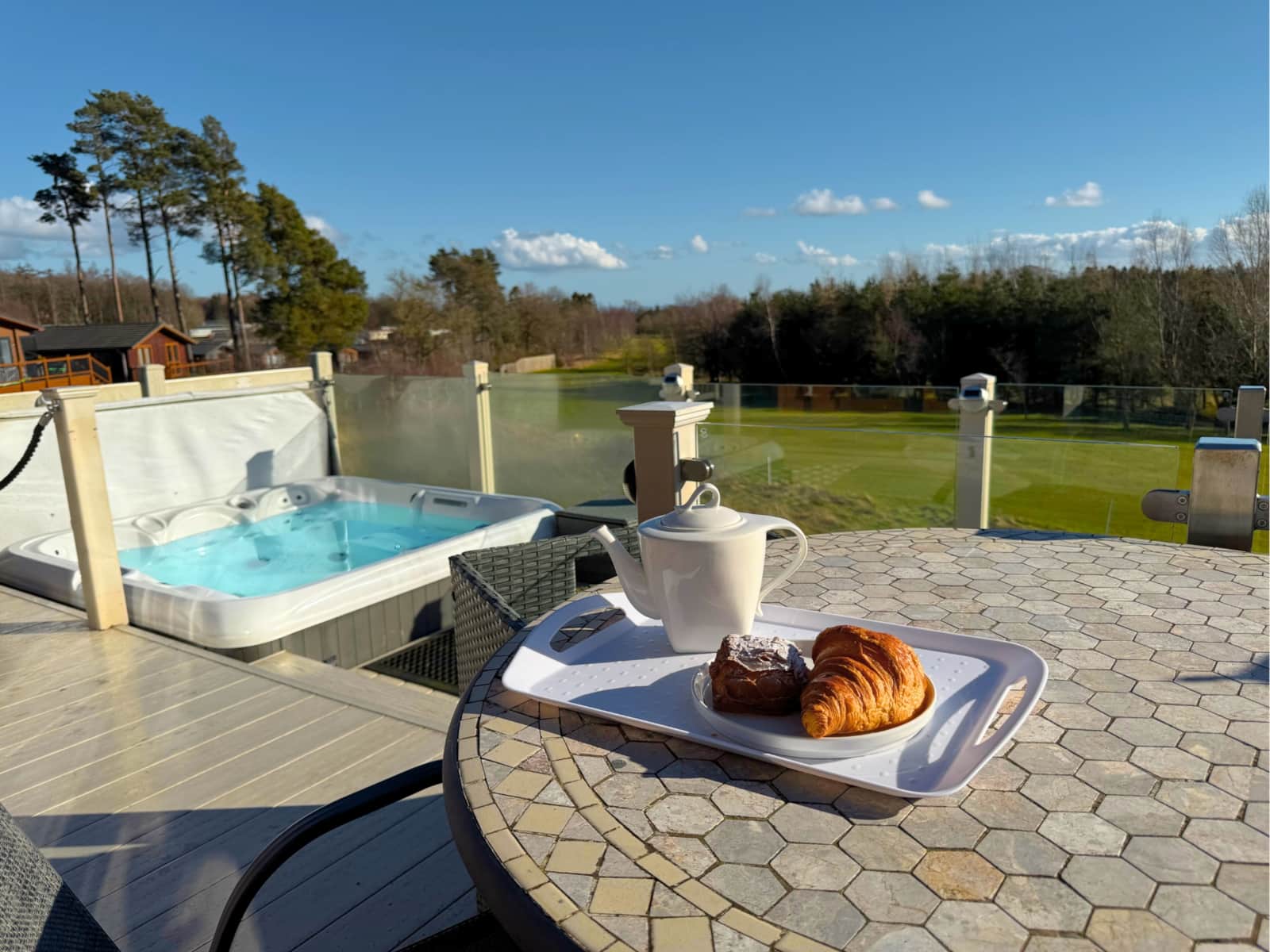 Operations
6 min read
Hot tub care for holiday lets: a simple routine
A practical hot tub routine for holiday-let hosts — between every stay, weekly and on a schedule.
Read the post →Ready when you are
Six months free. Set up in an evening.
Bring your properties in, connect your channels, and let the routine run. No card, no contract.